
Engineering1 min read
Why we build software to be maintained, not just shipped
Delivery is a moment; maintenance is the life of a product. The engineering habits that keep software changeable years after launch.
Read the articleEngineering
Headless, traditional or hosted builder? A practical way to decide, based on who edits the site, what it must integrate with and how it will be operated.
A corporate website looks simple from the outside: a few dozen pages, some articles, a contact form. The decisions behind it, such as who edits content, how it is hosted and how it connects to the rest of the business, shape years of cost and effort. The content management system (CMS) sits at the centre of those decisions.
The most common mistake is to choose a CMS for its feature list. Start instead with the people who will use it every week. How technical are they? Do they need to compose pages from sections, or only edit text? Do they need preview, scheduling, approval workflows? The answers rule out most options before any technology comparison begins.
Tools that bundle hosting, templates and editing. Fast to start, low maintenance, but limited when you need custom integrations, strict performance targets or full control of markup and accessibility. Suitable for very small sites; constraining for a growing company.
Mature platforms with large plugin ecosystems. They can do almost anything, but the plugin model often brings security and upgrade burden, and the front end is tied to the CMS's templating. Good when an organisation already has deep expertise in one of them.
The CMS manages structured content and exposes it through a programming interface (API); the website is a separate application that renders it. This gives engineering teams full control of performance, accessibility and integrations, and lets the same content serve other channels later. The trade-off is that you need a development team to build and maintain the front end.
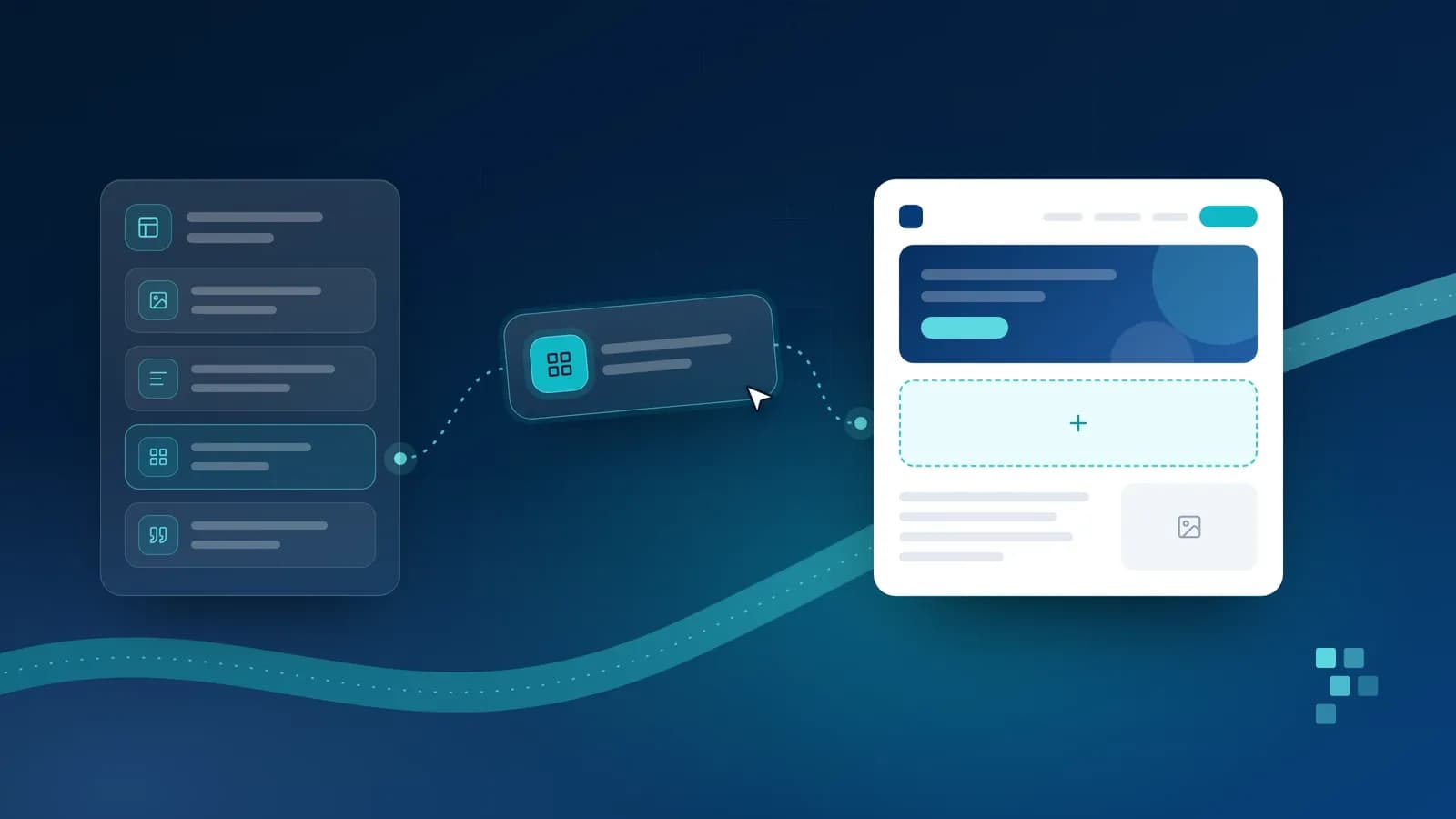
For organisations with an engineering partner or team, a structured, API-first CMS paired with a modern web framework offers the best balance: editors get a clean, purpose-built admin with controlled page sections and preview; engineers keep control of the front end; and the content model can evolve without rebuilding the site. Keep the content model small and deliberate: a handful of well-designed section types beats an open-ended page builder.
Chosen this way, the CMS becomes an asset the marketing team can run confidently and the engineering team can extend safely, which is the whole point. The same habits keep the rest of the stack healthy; see why we build software to be maintained.
Related
Delivery is a moment; maintenance is the life of a product. The engineering habits that keep software changeable years after launch.
Read the article
A demo shows an AI feature on a good day. Here is a practical way to test it on real cases, agree what good looks like, and keep checking once it is live.
Read the article
Better prompts, retrieval, fine-tuning or tools? A practical guide to working out what your AI feature is missing, and choosing the simplest change that fixes it.
Read the articleTell us about your project and we will come back with a clear next step.