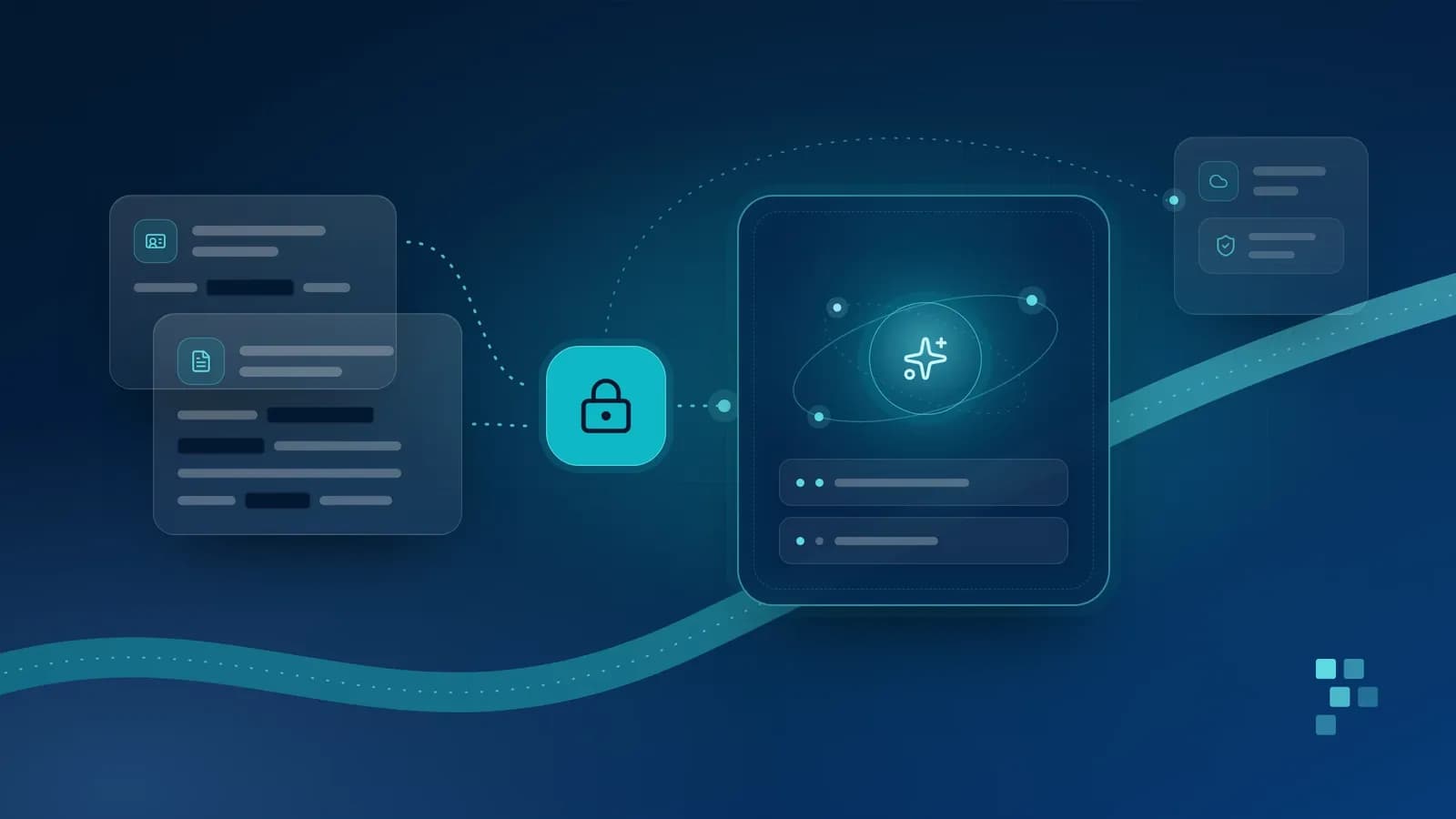
AI features run on your data. How to classify it, trace where it goes, choose where the model runs and put simple controls in place before launch, so you keep personal and business data under your control.
Support assistants, document summarisers and drafting tools all send information to a language model, the AI system that reads and writes text. That information often includes customer details, staff records or commercial plans.
Start by knowing what data you have
Before choosing an AI tool, sort the data it might touch into classes:
Public: already published, such as your website and price lists.
Internal: everyday working material, such as process guides and meeting notes.
Confidential: information that would harm the business if it leaked, such as contracts and supplier prices.
Personal: any information about an identifiable person: not only a name or ID number but also, say, a customer's orders, an employee's appraisal or a student's marks.
Sensitive: personal data needing extra care, such as health, biometric and financial details, information about children, and a person's religion, caste or ethnic origin, sexual orientation or criminal record.
These are working classes, not legal ones; data-protection laws define their own categories. Public data can go almost anywhere; confidential, personal and sensitive data should go only where you have checked the safeguards, and only when the task needs it.
Follow the data through an AI feature
Trace each place your data goes:
Prompts: the user's question plus the instructions and context your application sends with it.
Retrieved documents: passages from your files passed to the model to answer from.
Search index: to find passages quickly, most systems copy every document, in pieces, into a separate index (often a vector database), and may send each piece to an outside service to build it. This second copy of the whole collection needs the same permissions, retention and deletion as the originals.
Outputs: the model's answers, which can repeat or combine personal details from the inputs.
Logs: copies of prompts and outputs kept by your application and monitoring tools, and often by the provider for a set period to check for misuse.
Tools and actions: an assistant that can browse, open links, send messages or update other systems can send data out, and text hidden in a document, email or web page can try to make it do so (prompt injection). Give it only the tools it needs, limit where it can send data, and have a person approve anything sent outside. Our guide to AI agents covers these safeguards.
Cover everyone who processes this data, including your hosting company, in your security measures and contracts. The diagram shows a typical request and its main controls.
A typical request through an AI feature, and the controls that belong at each step.
Choose where the model runs
This is a central privacy decision, with two broad options.
A provider's service under a business agreement
A model hosted by an AI provider is quick to start, with no infrastructure to run. Your protection comes mainly from the contract, often including a data processing agreement on how the provider may use your data. Check the terms of your exact product and plan: free and consumer versions often differ, sometimes training on conversations by default. Give staff an approved tool so work data stays out of personal accounts.
Before you sign, ask:
Is our data used to train the provider's models, and can that be switched off?
How long are prompts and outputs kept, and can they be deleted or not kept at all?
Can provider staff read them, for example to check for misuse?
In which countries is our data processed and stored?
What security controls and independent audits does the provider have?
Which other companies (sub-processors) handle the data on the provider's behalf?
A model run in your own environment
The alternative is to run a model on servers you control, in your own data centre or cloud account (where the cloud company still hosts the hardware under your contract). Your data then stays on infrastructure you manage, which can make it easier to protect and account for.
The price is responsibility: you provide the computing capacity and update, secure and monitor the model and its software, the work of cloud and DevOps engineering. You must also test that a self-hosted model is good enough for your tasks, as our guide to evaluating AI features describes.
A supplier can also make this choice for you: SirpiSoft CampusAI runs its AI on our own servers, and a school's data is not sent to outside AI companies. The school still relies on its agreement with SirpiSoft, so the questions above apply.
Major cloud platforms also offer a middle path: models hosted in a region you choose, often under your existing cloud agreement. Or combine options: a provider for public and internal data, your own environment for confidential, personal and sensitive data.
Send less, and only what the user may see
Data minimisation means sending the model only what the task needs: a reply to a delivery complaint needs the order details, not the customer's full purchase history.
Redaction goes further, masking details such as names, phone numbers and ID numbers before text reaches the model. Pseudonymisation swaps each for a placeholder such as "Customer A", keeping the real values on your side. Automated redaction can miss names in free text or unusual number formats, so test it on real examples. Masked text is not anonymous either: the remaining details can still identify someone (the only night-shift nurse on a ward, say), and in law pseudonymised data generally remains personal data. Treat redaction as one layer among several.
Access control matters most for assistants that search your documents: if the search ignores permissions, a junior employee's question could surface a salary review. Retrieval should return only what the person asking can already see in the source system; our explainer on retrieval-augmented generation covers how.
Do not rely on instructions such as "never reveal salaries": a model can be confused or manipulated into ignoring them. Filter documents before they reach the model.
If a document never reaches the model, the model cannot leak it.
Keep logs useful, limited and auditable
Logs help you fix problems, but they are also copies of your data, and logging every full prompt can quietly build a store of personal data nobody planned for.
Log only what you need: who asked, when and from which documents may be enough.
Protect logs as tightly as the data they contain, and delete them automatically when no longer needed.
Keep an audit log of who accessed or changed what, and when.
Include the provider's logs in your plan: their retention period is part of yours.
Be open with the people whose data it is
Tell customers, staff, patients or parents where AI is used, what data it uses and whom to contact, and make your privacy notice match what the system does.
Where you rely on consent, make it a real choice that is easy to withdraw, and give people a route to a person when an AI-assisted decision affects them. In SirpiSoft CampusAI, for example, AI is used for a student only if the parent agrees, and staff approve what the AI suggests.
Data-protection laws such as the EU General Data Protection Regulation (GDPR) and India's Digital Personal Data Protection Act, 2023 (whose duties take effect in stages) cover purpose, consent, security, retention, people's rights and children's data. AI laws such as the EU AI Act add duties of their own, including telling people when they are dealing with an AI system. This is not legal advice: ask a qualified lawyer how the laws that apply to you affect your feature, ideally before building it.
A privacy checklist before you launch
What data will the feature touch, and how is it classified?
Where does each copy of the data go, and who processes it?
Where will the model run, and do any provider terms exclude training?
Have we removed what the task does not need, and tested the redaction?
Does retrieval return only what each user may see?
Which tools can the assistant use, and could anything it reads make it send data out?
What do we log, who can read it, when is it deleted, and can we find and delete a person's data everywhere, including the index and the provider?
Have we told the people affected, obtained consent where needed, taken legal advice and done any data protection impact assessment the law requires?
Who owns the feature's privacy after launch?
None of this needs a large programme, but it does need deliberate decisions before data flows, and an owner who revisits them as the feature changes. Our technology consulting service can help you map the data, weigh the options and design the controls.
Retrieval-augmented generation lets an AI assistant answer from your organisation's own documents and show its sources. How it works, what decides its quality, where it fails and when it fits.
What AI agents are, how they differ from chatbots and rule-based automation, which tasks suit them today, and the guardrails they need before they act for you.
Four practical ways schools and colleges can use AI to take routine work off staff, and the safeguards that keep people in charge and children's data protected.
Read the article
Let's build what's next.
Tell us about your project and we will come back with a clear next step.