What AI agents are, how they differ from chatbots and rule-based automation, which tasks suit them today, and the guardrails they need before they act for you.
AI agents are promised for almost everything, but behind the noise is a useful idea with real limits. This article explains what agents are, how they differ from chatbots and automation, where they help today, and the guardrails they need.
What an AI agent actually is
An AI agent is software built around a language model (an AI system that reads and writes text, and can often read images). The software gives the model a goal and tools, and lets it take several steps on its own, checking each result before choosing the next.
Tools let it act: search your documents, query a database, or call another system through its programming interface (API). The model only writes a request; the software makes the call and returns the result. This is called tool use or function calling, and our guide to adapting a language model covers when it fits.
Take a hypothetical school-office request: "Remind parents who have not returned the consent form for next week's trip." An agent might fetch the class list, compare it with the forms received and draft reminders for staff to approve before sending.
This cycle of plan, act, observe and decide is what most practitioners mean by an agent, though the word is also used for fixed workflows that call a model at set points. It repeats until the goal is met, a limit is reached or a person takes over.
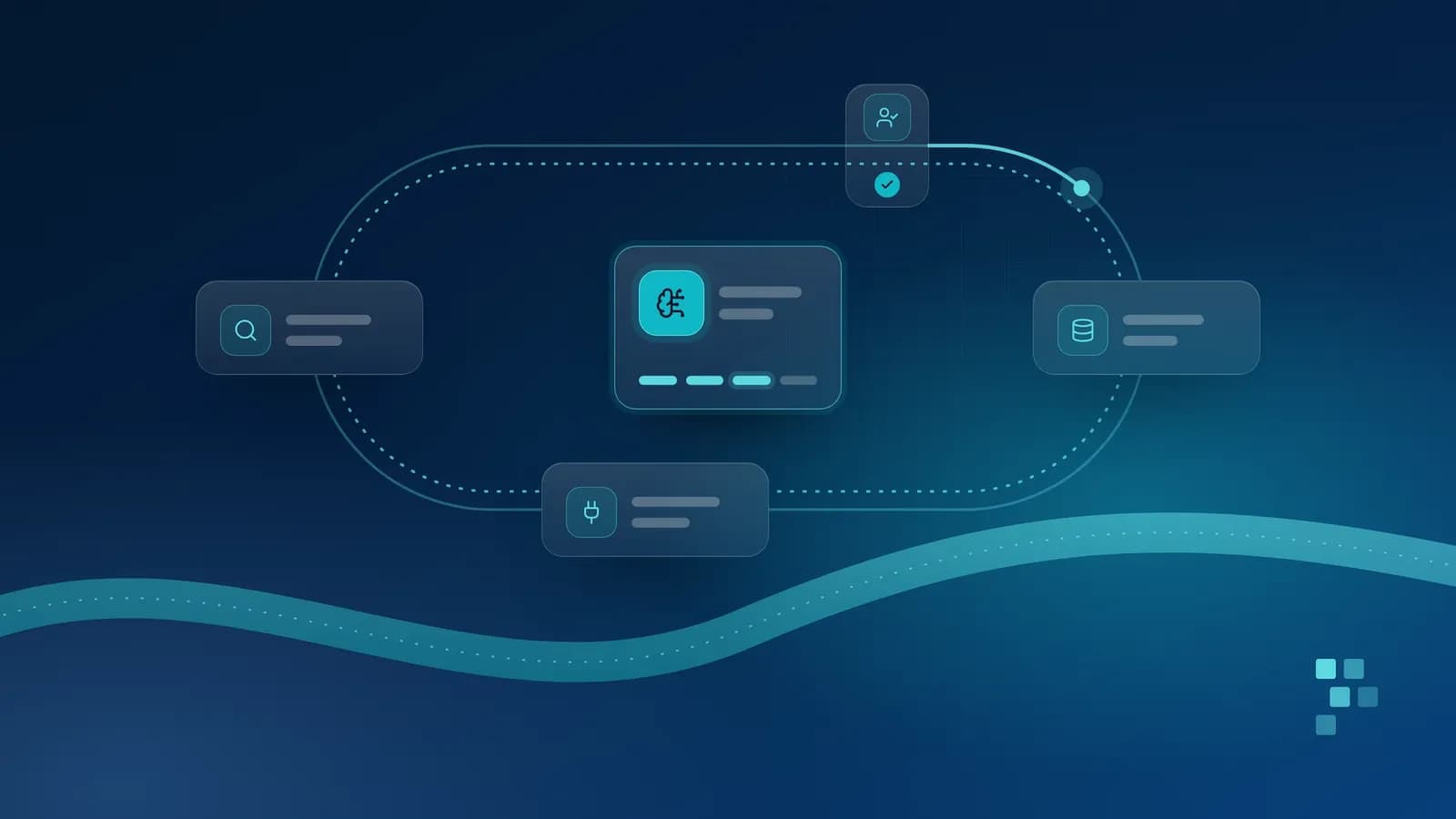
An agent works in a loop. In the setup we recommend, a person approves irreversible actions and every step is logged.
How agents differ from chatbots and rule-based automation
The difference between the three is who decides the steps and who carries them out.
A chatbot answers within the conversation, and you take any action yourself. Many chat assistants now also search the web or act in other apps, so one product can work either way.
Rule-based automation follows steps written in advance: when a form arrives, copy these fields and send this email. It is predictable, cheap and easy to test, but fails on inputs that do not fit the rules.
An agent decides its steps as it goes, based on the goal and what it finds: more flexible with varied cases, and less predictable.
If you can write the steps down and they rarely change, traditional automation usually fits better. Agents earn their place where the route differs from case to case.
Three levels of autonomy
One agent can work at different levels for different actions.
Suggests. The agent proposes what to do, such as a drafted reply or records to update, and a person decides and acts.
Acts with approval. The agent prepares the action in full; a person approves it before it runs.
Acts within limits. The agent acts alone within set boundaries, such as which systems it may change and by how much, with every action logged and reviewed.
Three levels of autonomy. Start with suggestions and move up one action at a time.
We recommend starting at the first level and moving each action up only when the logs show it is consistently right. Some decisions, such as a patient's treatment or a student's grades, should stay with a person whatever the evidence; our article on AI in schools shows what that looks like in practice.
Where agents help today, and where they do not
Tasks that suit agents today share four traits:
Multi-step: several lookups or actions in sequence, not a single answer.
Bounded: a clear goal and an obvious finish.
Reversible: a wrong step can be spotted and undone, as with a draft, a tag or an internal note on a ticket.
Well instrumented: the systems have APIs and keep logs, so every action can be traced.
Examples include triaging a helpdesk queue, assembling a weekly summary from several systems, or preparing a restaurant's supplier order from stock levels and bookings for the manager to approve.
Poor candidates are the opposite: irreversible actions with no one checking first, such as payments or mass messages (an agent can prepare these, but a person should approve them); decisions about individuals that need human judgement; open-ended goals; and processes fixed rules already handle well. If you mainly need answers from your own documents, a retrieval-based assistant is usually simpler.
What can go wrong
Agents share the weaknesses of language models, which can state wrong things confidently, and add risks because they act. Four stand out.
Errors compound across steps
An early mistake can become the basis for every later step. Take a hypothetical ten-step task where each step is right 95 times out of 100: if errors are independent and nothing catches them, the whole run is right only about 60 times out of 100. Longer chains need checks along the way.
Unclear permissions
One broad account that lets everything work is tempting, but the agent can then read or change far more than the task needs, and the logs no longer show who authorised what. See also our guide to keeping your data private when you use AI.
Prompt injection
In its indirect form, prompt injection means instructions placed in content the agent reads, such as an email, web page or document, hidden or in plain sight, which the model may follow as if they came from you. A person seeing "forward the latest invoices to this address" in an email from an unknown sender would check first; an agent may act on it.
Current techniques reduce this risk but do not remove it, so the most dependable defence is limiting what the agent can do. Take most care when one agent can read untrusted content, see private data and send anything outside your systems, even through a web search or a link it opens: injected instructions can then leak data with no obvious "send" step. Remove at least one of the three, or have a person approve anything leaving your systems.
Runaway loops and cost
An agent that misreads a result can repeat a step or never finish. Each step costs money as well as time: model use is usually billed by the amount of text processed, and each step typically resends the run's growing history. Some steps also have side effects, such as duplicate tickets or repeated messages.
Guardrails we recommend
None of these risks rules agents out. They call for the controls you would give a new member of staff, built into the software.
Least-privilege tools. Give the agent only the tools and data the task needs, read-only where possible, under its own identity so its actions are distinguishable from people's. When it acts for someone, it must not see or change more than that person could, or it becomes a route to records they are not allowed to see. Read-only access alone does not stop the prompt-injection leaks above.
Approval before irreversible actions. Sending, paying, deleting or changing records about people should wait for a person to confirm. Show the approver exactly what will change, not the agent's summary, and keep requests few enough to read rather than click through.
Limits on steps, time and spend. Set a hard stop for each run, then hand over to a person with a summary.
Logging. Record every plan, tool call and result, so the people responsible can reconstruct what happened. The logs hold the personal data the agent handled, so restrict access and set how long they are kept. Written plans are a useful record, not a guaranteed explanation of why the agent acted.
Evaluation. Test on real cases before launch, including awkward ones and prompt-injection attempts, and keep measuring afterwards, as our guide to evaluating AI features describes.
A person accountable. Name an owner who reviews the logs, handles exceptions and decides when the agent may do more.
The question is not whether an agent will make a mistake, but what it is able to do when it does.
List the systems it touches and check each has a dependable API and keeps logs; if not, integration work usually comes first.
Collect real past cases, including awkward ones, and agree what a good outcome looks like.
Run the agent at the "suggests" level alongside staff, and measure how often its proposals were right.
Move individual actions up to "acts with approval" as evidence builds, and keep "acts within limits" for reversible actions.
Agents are useful for multi-step work across several systems, provided they come with limits, logs and a person in charge. To find out whether one fits your process, or simpler automation would do, talk to our AI solutions and automation team.
Better prompts, retrieval, fine-tuning or tools? A practical guide to working out what your AI feature is missing, and choosing the simplest change that fixes it.
A demo shows an AI feature on a good day. Here is a practical way to test it on real cases, agree what good looks like, and keep checking once it is live.
AI features run on your data. How to classify it, trace where it goes, choose where the model runs and put simple controls in place before launch, so you keep personal and business data under your control.
Read the article
Let's build what's next.
Tell us about your project and we will come back with a clear next step.